

Team settings
The Team tab is where an Organisation admin looks after your organisation’s use of AgentZ: who holds a seat, how much they use AgentZ, which devices they are signed in on, what team members may set up, and how long the AgentZ service keeps your organisation’s records. Nothing on this tab changes anything in iMIS.
People with an AgentZ seat
Section titled “People with an AgentZ seat”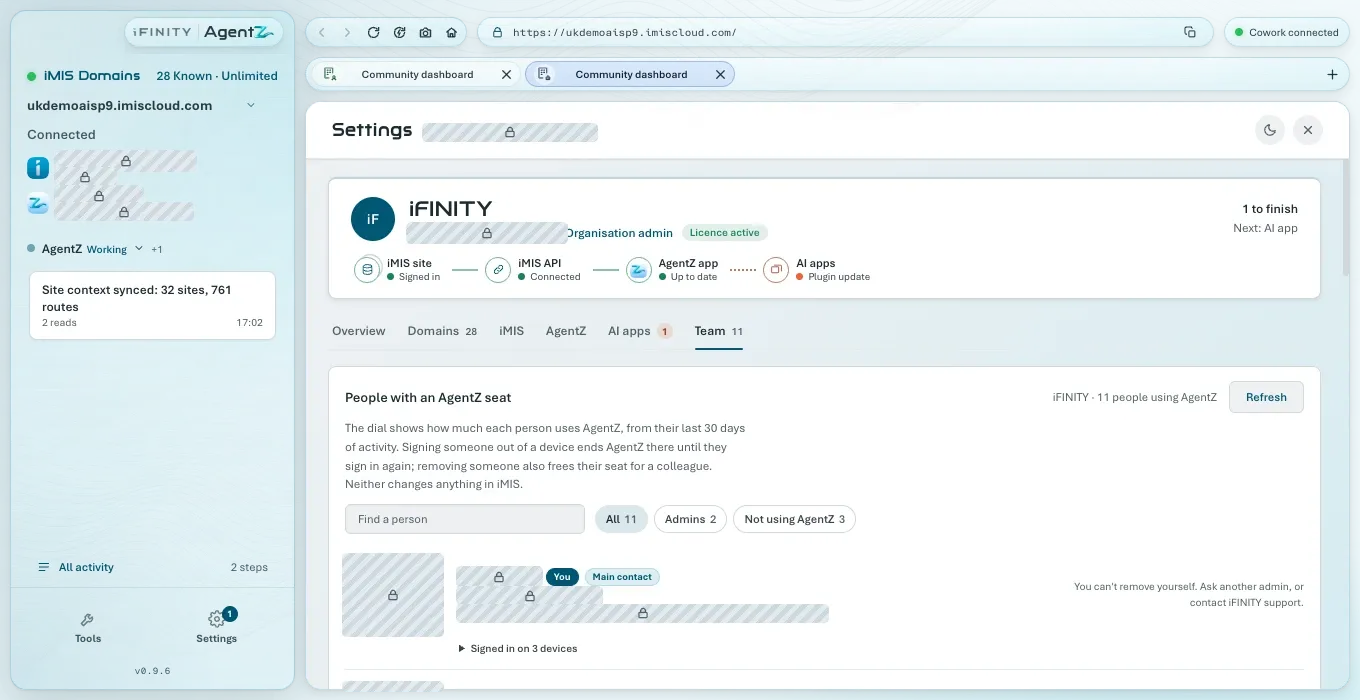
- The heading names your organisation and how many people use AgentZ. Refresh loads the list again.
- The line below explains the dial and the two actions: signing someone out of a device ends AgentZ there until they sign in again; removing someone also frees their seat for a colleague.
- Find a person narrows the list to names or emails containing what you type. If nobody matches, it says “Nobody matches” and what you typed.
- The filters: All, Organisation admins and Not using AgentZ, each with how many people it holds.
Each person’s row shows:
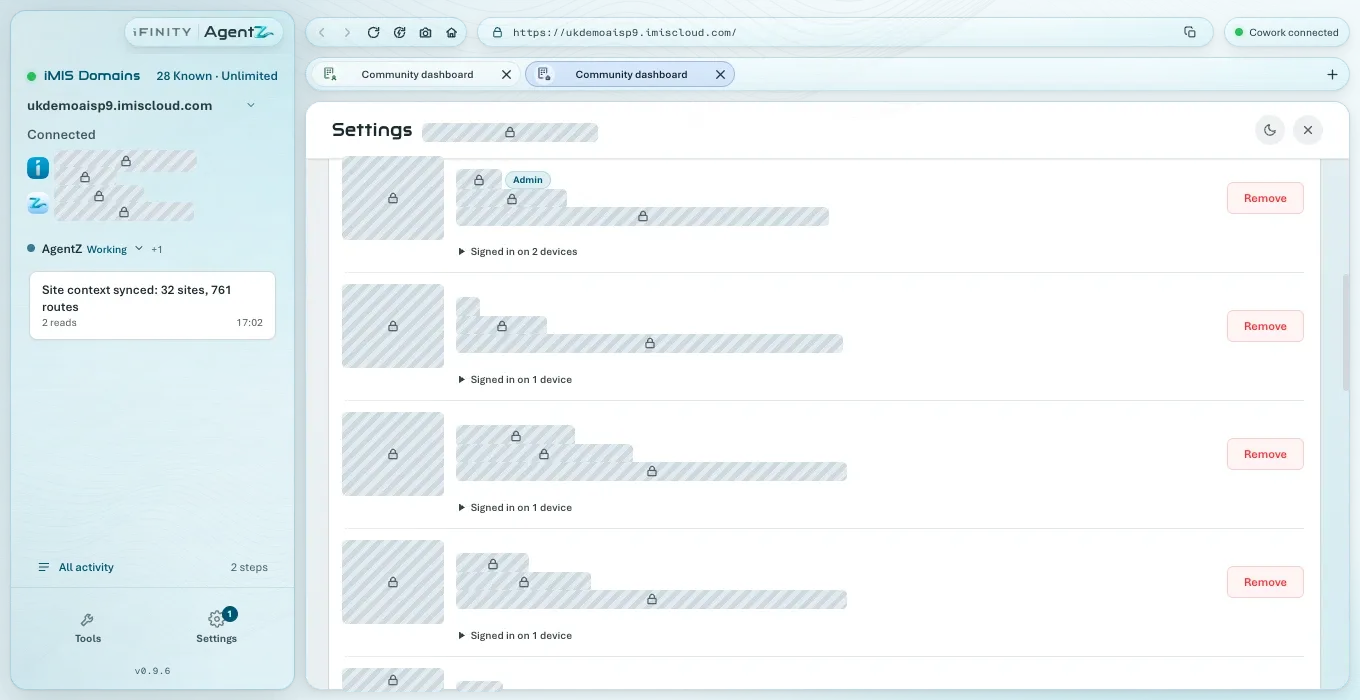
| Part | What it shows |
|---|---|
| The dial | How much they use AgentZ, as a score out of 100 from their last 30 days of activity, with a word: Not using AgentZ, Getting started, Occasional, Regular, Heavy or Power user, and whether it is Rising, Steady or Falling |
| Their name and email | With You on your own row, Organisation admin for an Organisation admin, and Main contact for the Organisation admin named on your organisation’s licence |
| The line under the email | When they last used AgentZ, on how many days in the last 30, and on how many devices they are signed in |
| Remove | Removes them from your organisation’s AgentZ. Not shown on your own row: “You can’t remove yourself. Ask another admin, or contact iFINITY support.” |
| Their devices | Each device they are signed in on: when they signed in, when it was last active, and Sign out. Your own row marks This device |
| Sign out everywhere | Signs them out of every device. On your own row it is Sign out my other devices |
Signing someone out of a device
Section titled “Signing someone out of a device”Click Sign out beside the device, and confirm. AgentZ on that device stops working and returns to its sign-in screen within 15 minutes. The person stays on your team and can sign in again straight away. Sign out everywhere does the same for every device they are signed in on.
Removing someone
Section titled “Removing someone”Click Remove on their row, and confirm in the Remove team member question. Their seat is freed for someone else, and they are signed out of AgentZ on every device. They can sign in again later if your organisation has a free seat. See Removing a team member.
Team permissions
Section titled “Team permissions”Team members can set up API connections: when this switch is on, anyone on the team can set up the iMIS API connection, by creating or adopting the Client Application, for the other iMIS sites they switch AgentZ to. Your licensed iMIS site is always set up by an Organisation admin. When it is off, only Organisation admins can, and team members see a note asking an admin to set it up; team members already connected keep working.
Changes reach everyone’s AgentZ within 15 minutes.
Data we keep for your organisation
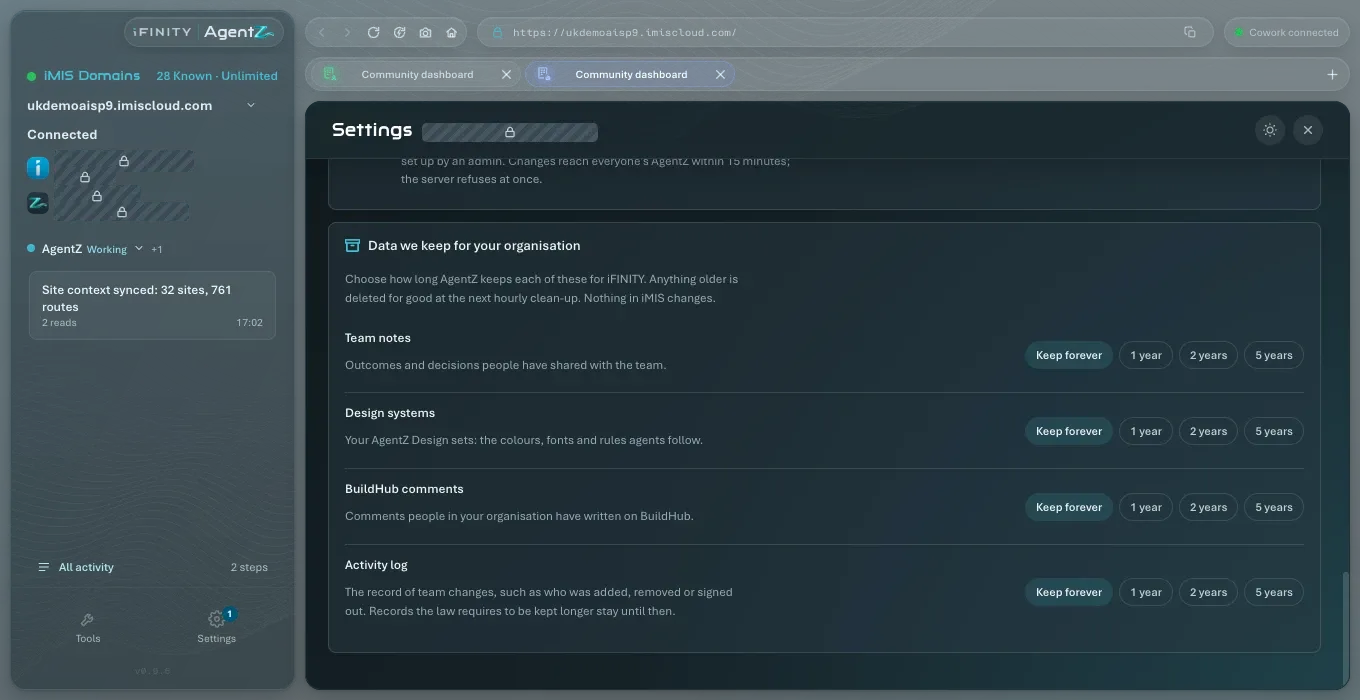
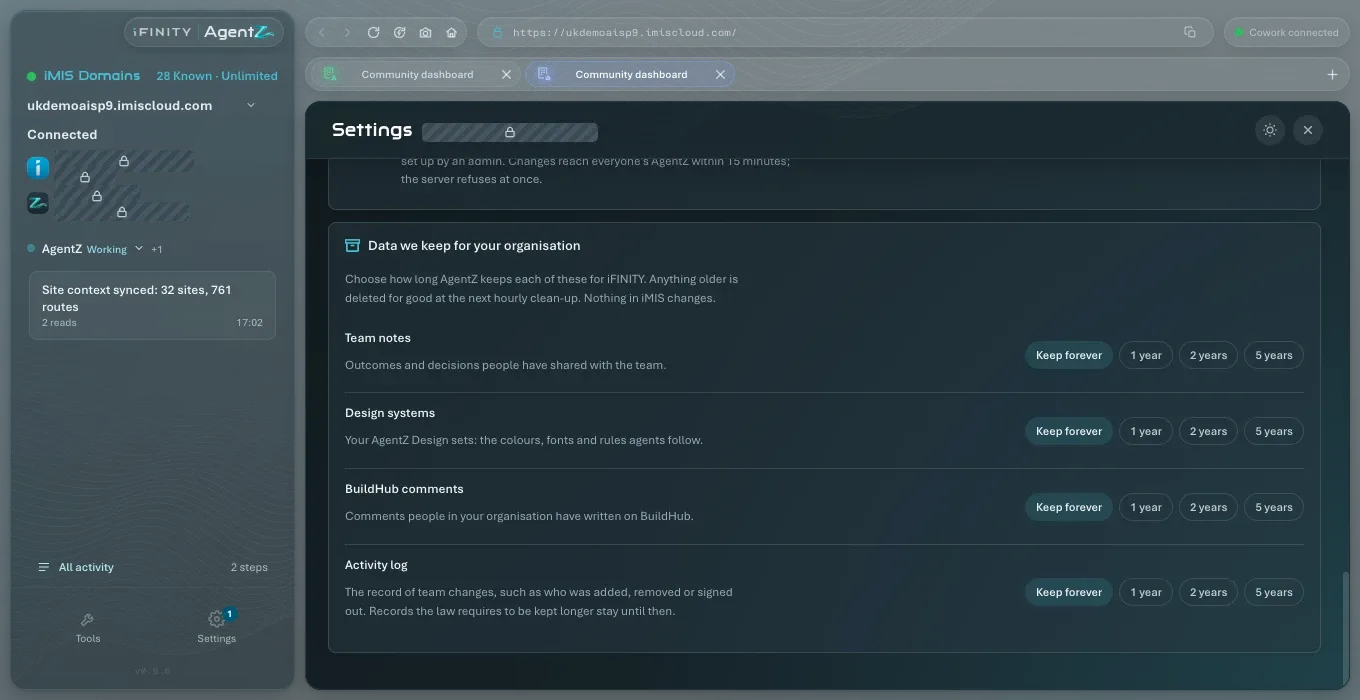
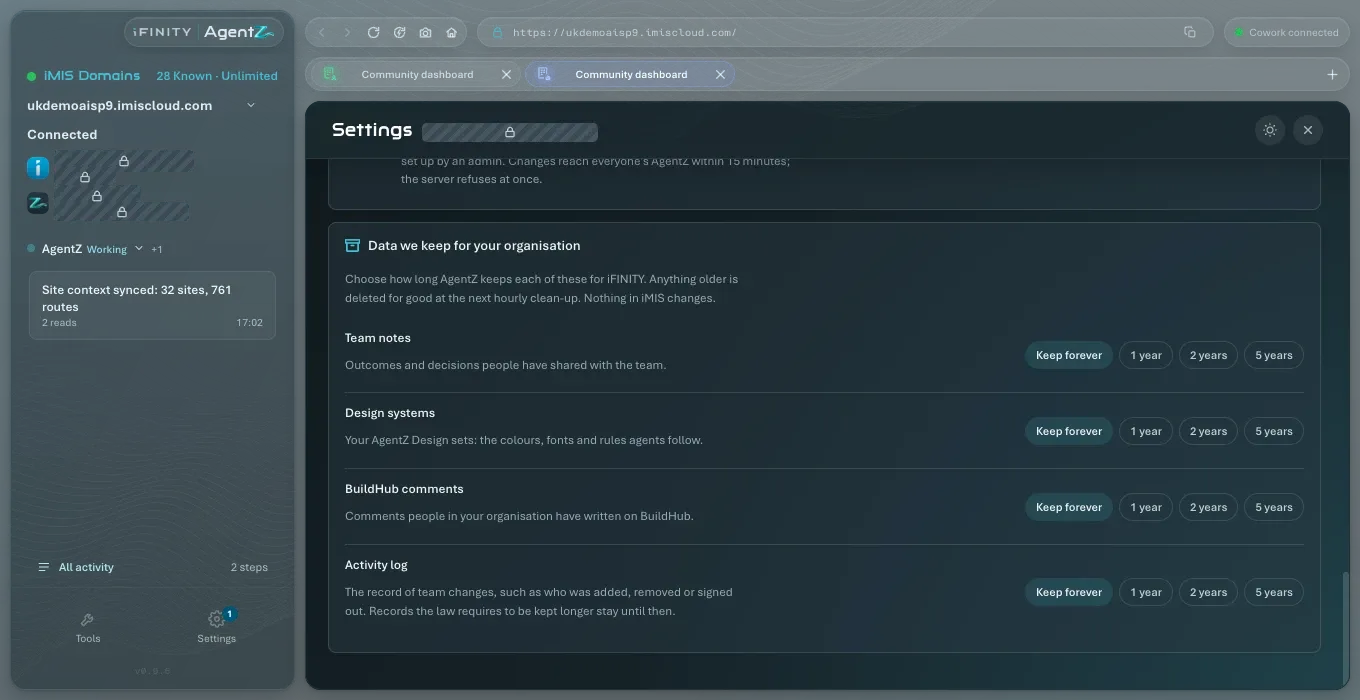
Section titled “Data we keep for your organisation”Choose how long the AgentZ service keeps each kind of record. Anything older is deleted for good at the next hourly clean-up. Nothing in iMIS changes.
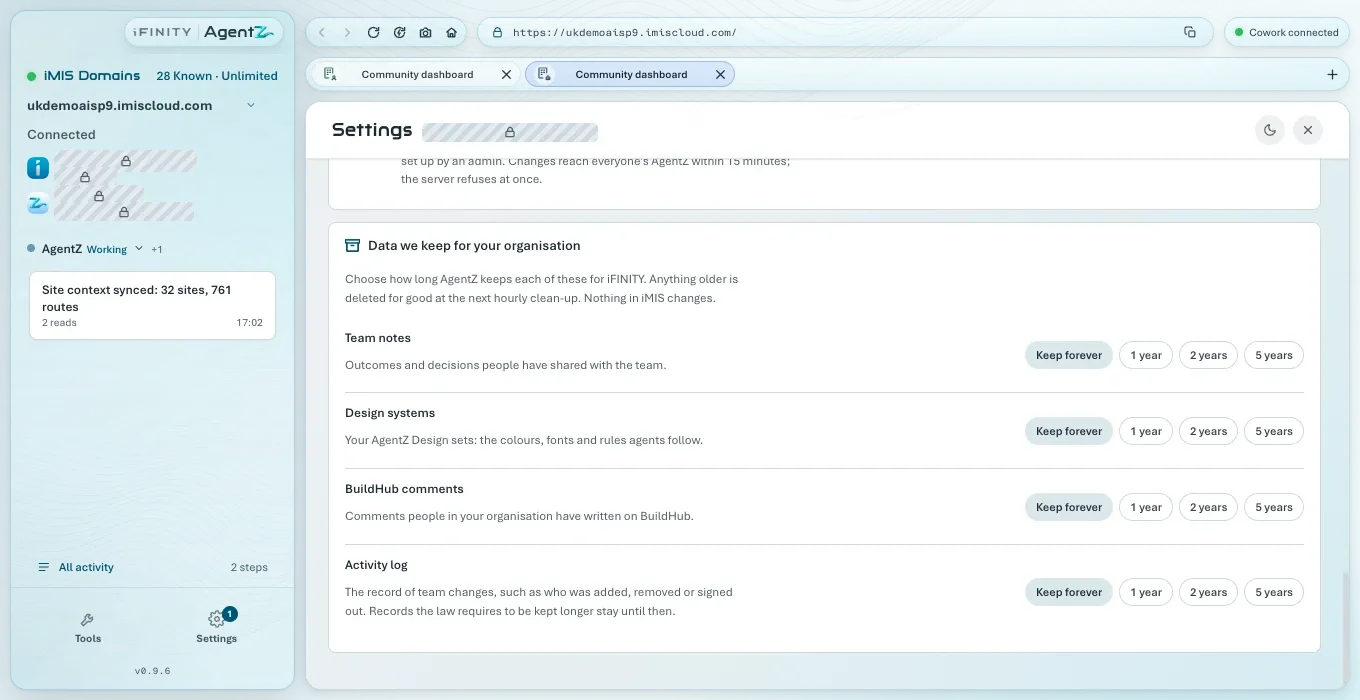
| Record | What it is |
|---|---|
| Team notes | Outcomes and decisions people have shared with the team |
| Design sets | Your AgentZ Design sets: the colours, fonts and rules agents follow |
| BuildHub comments | Comments people in your organisation have written on BuildHub |
| Team changes | Who was added, removed or signed out, and changes to team settings. Records the law requires to be kept longer stay until then |
For each, choose Keep forever, 1 year, 2 years or 5 years. Keep forever is the default. What the AgentZ service keeps, and why, is described in What iFINITY’s licensing service receives and stores.
Can I add a team member from here? No. A colleague takes a free seat by signing in with their work email.
Does removing someone change anything in iMIS? No. It frees their AgentZ seat and signs them out of AgentZ. Their iMIS account is not touched.
Can a removed person sign in again? Yes, if your organisation has a free seat. Removing someone does not block them.
Why can I not see the Team tab? It is shown only to Organisation admins.