

Stopping and resuming agent work
You can stop an agent from the AgentZ app while it is connected. A stopped agent takes no more steps in your iMIS site until you resume it. Use it when an agent is doing something you did not expect, or when you need it to wait.
Before you begin
Section titled “Before you begin”- The agent is listed in All activity. Stop and Resume are on the agent’s own page there.
- The agent’s AgentZ plugin can be stopped. Stop shows only for an agent whose AgentZ plugin supports it. If an agent shows no Stop, its AI app is running an older AgentZ plugin: update it and reopen the AI app. See AI apps settings.
- What a stop does not do. Stopping does not undo what the agent has already done in iMIS, and does not close your AI app’s conversation.
Stopping an agent
Section titled “Stopping an agent”Do the following to stop an agent:
-
In the sidebar, click All activity.
-
In All agents, choose the agent, then click its name above its list of work.
The agent’s page shows its state and Stop.
-
Click Stop.
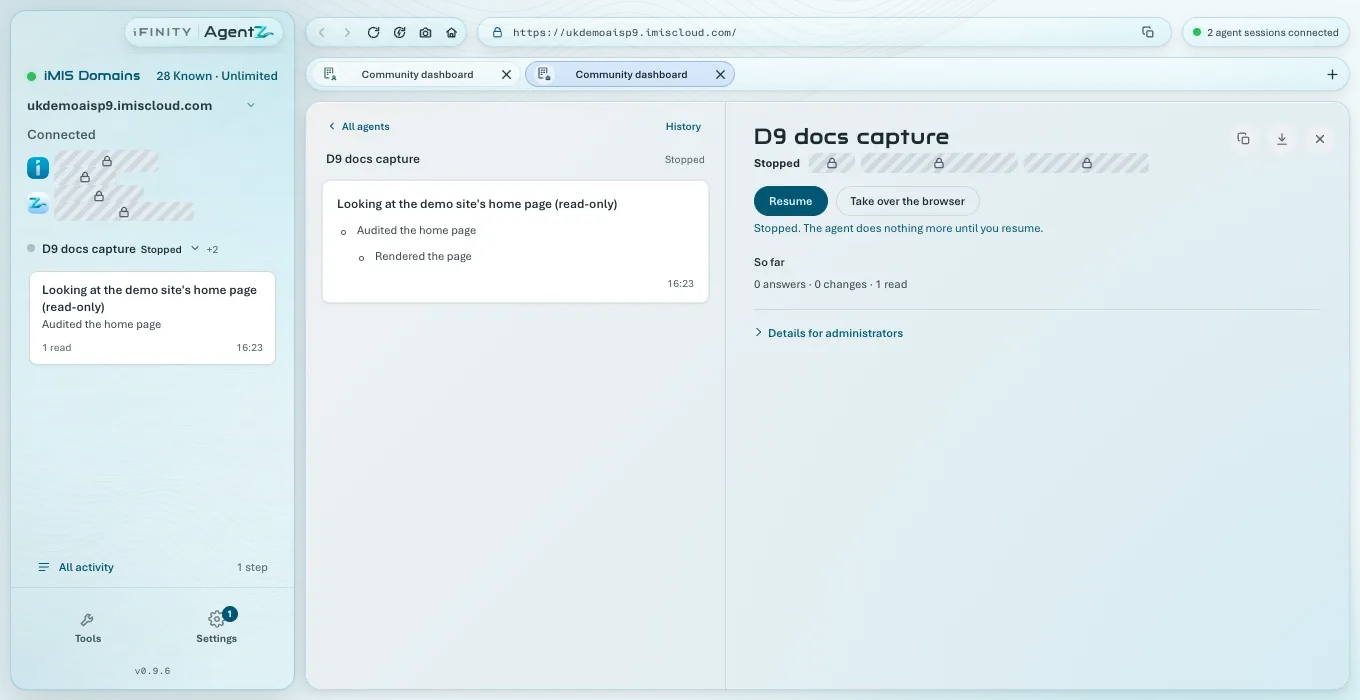
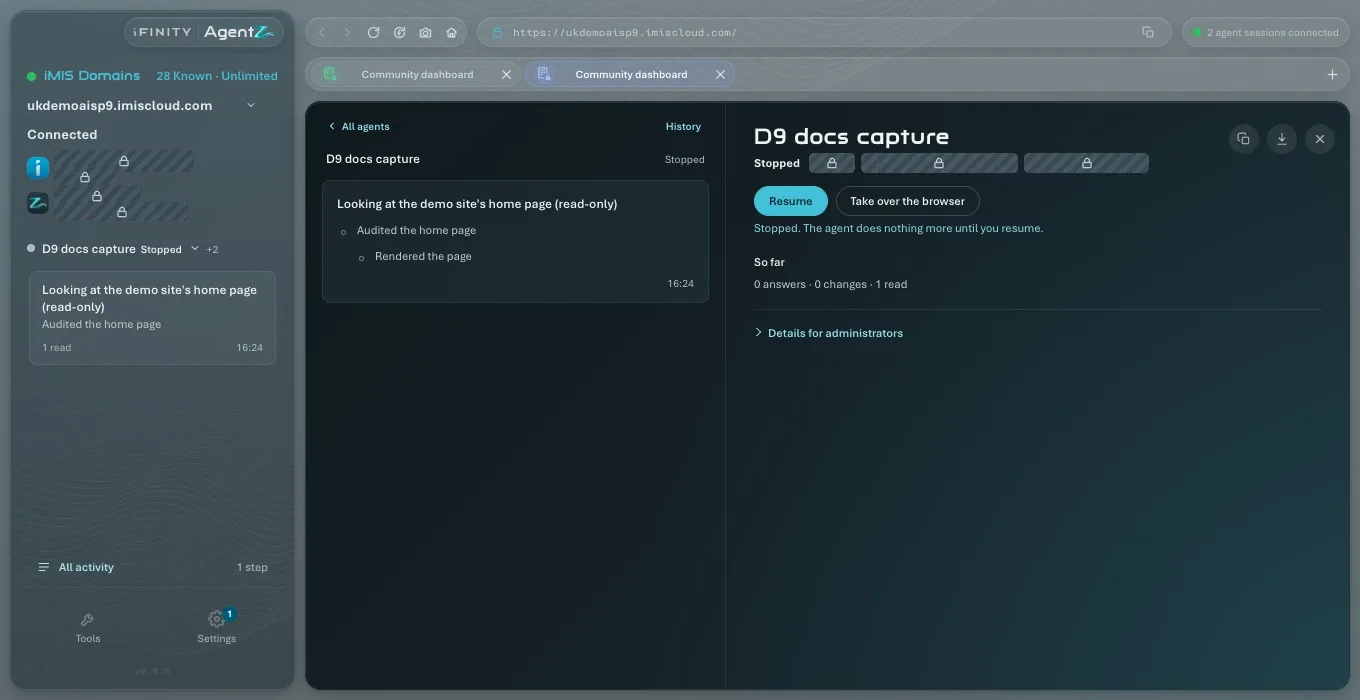
The agent’s state becomes Stopped, and the page says “Stopped. The agent does nothing more until you resume.” Stop becomes Resume.
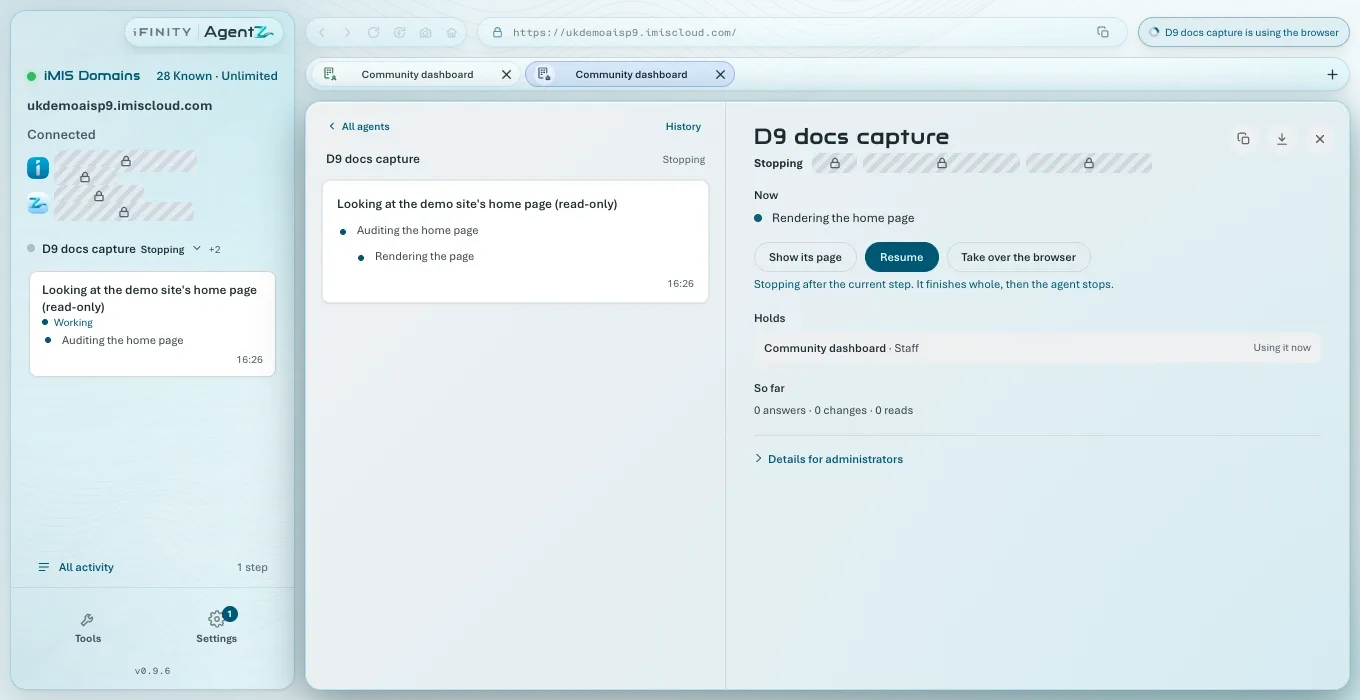
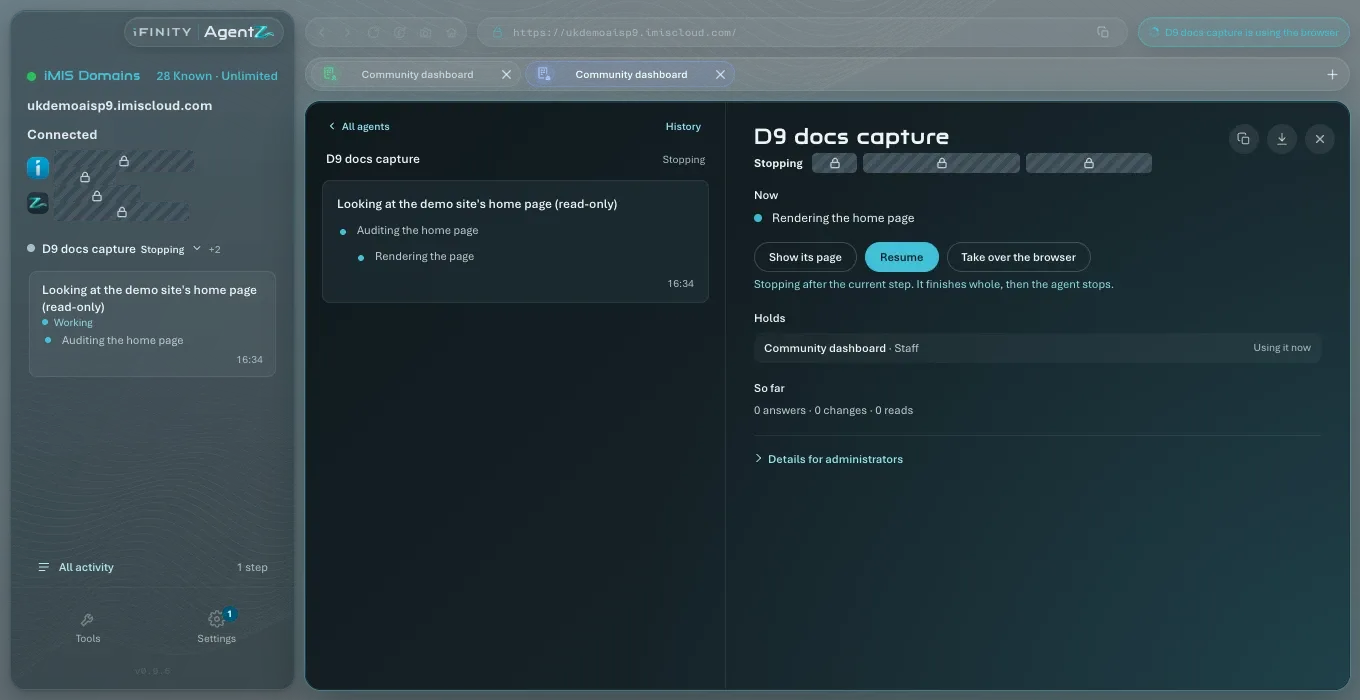
If the agent was in the middle of a step, its state shows Stopping and the page first says “Stopping after the current step. It finishes whole, then the agent stops.” AgentZ never leaves a step half done.
While it is stopped, every step the agent tries is refused, and your AI app is told that you have stopped AgentZ for this session. Your AI app may tell you so in the chat.
Resuming an agent
Section titled “Resuming an agent”Do the following to let a stopped agent carry on:
- On the agent’s page in All activity, click Resume.
The agent’s state goes back to Working or Idle, and the page says “Resumed. The agent can carry on.”
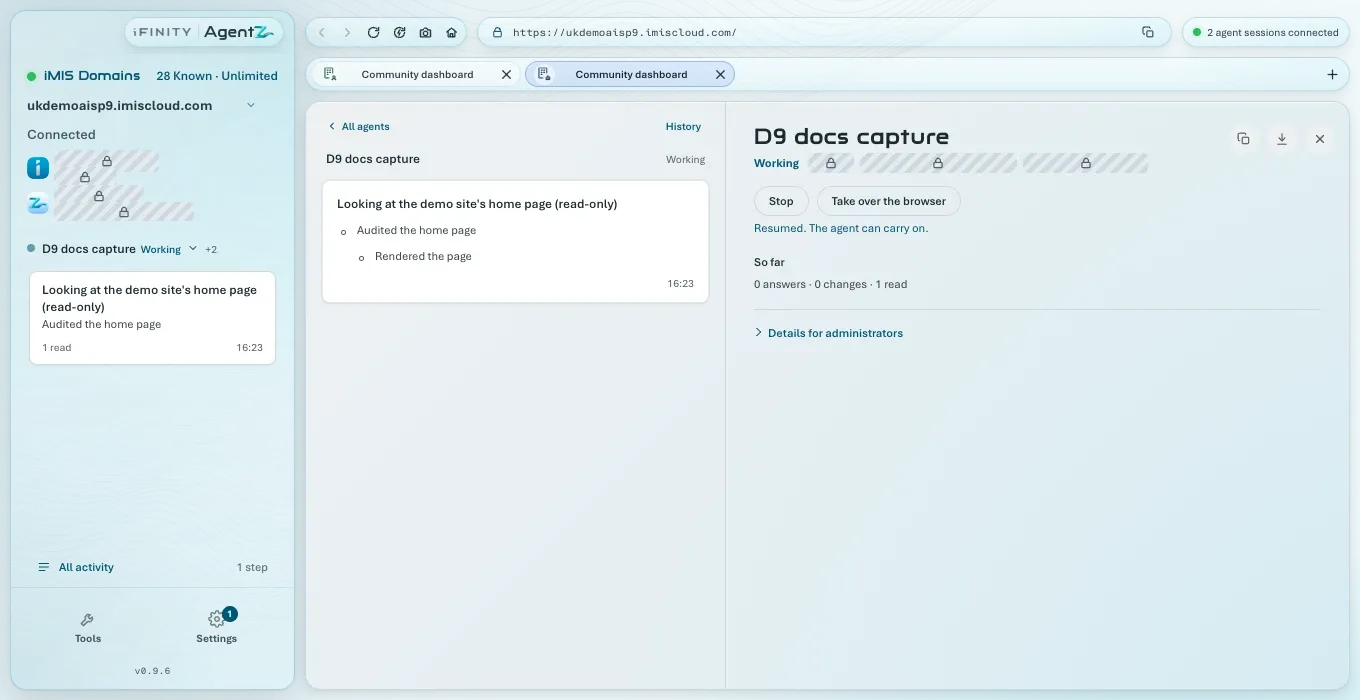
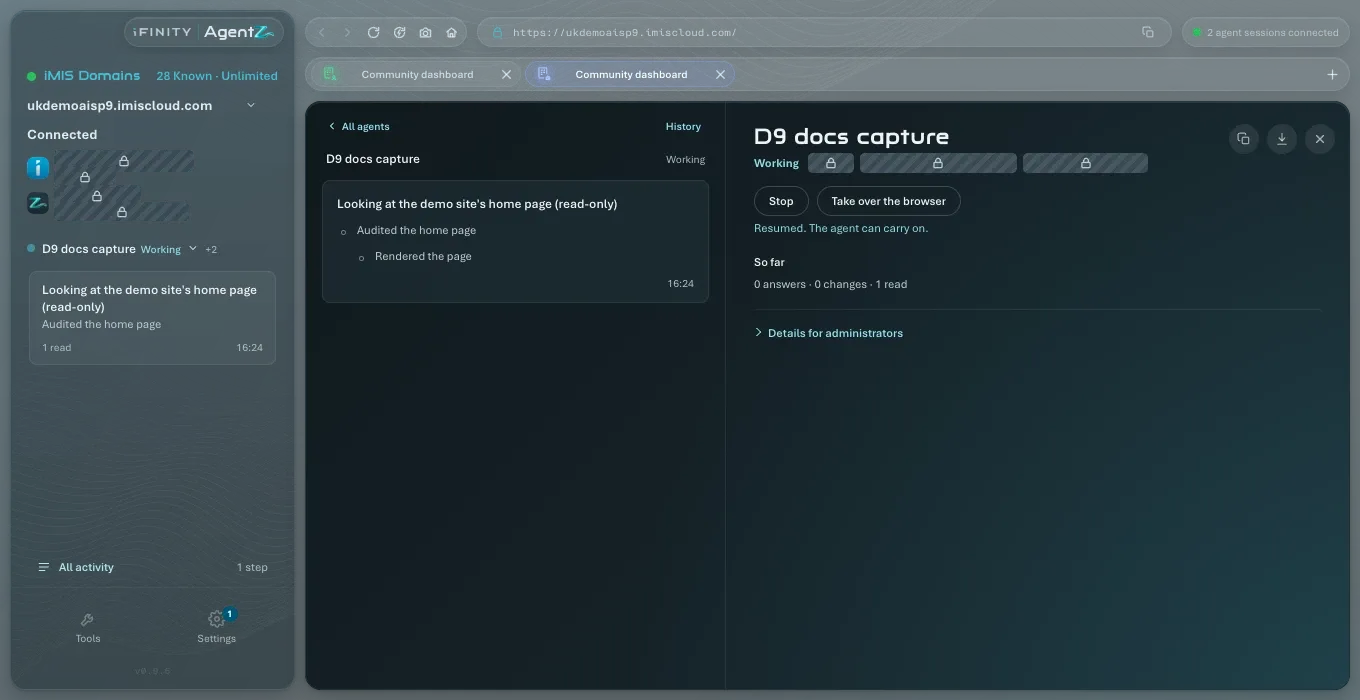
If the page says “Resumed. Tell the agent to carry on in your AI app’s chat.”, the agent ended its turn while it was stopped. Ask it to carry on in your AI app.
Cancelling one step
Section titled “Cancelling one step”To stop only the step an agent is taking now, and let it carry on with its next one:
- On the agent’s page in All activity, find Now, the step running now.
- Click Cancel this step.
The page says “Cancelled. The agent carries on with its next step.”
Does Stop undo the agent’s changes? No. What it changed in iMIS before you stopped it stays changed. Ask your AI app what it did, or look at its steps in All activity.
Does Stop ask me to confirm? No. Stop takes effect at once, and Resume undoes it.
Does stopping one agent stop the others? No. Each agent has its own Stop.