

AI apps settings
The AI apps tab shows the AgentZ plugin in each AI app on this computer: whether the app is here, whether AgentZ is in it, and whether that copy is up to date. AgentZ works with Claude Code (command line), Claude desktop app, Codex, OpenCode, GitHub Copilot, Cursor, Grok Build, Devin and Hermes Agent, and the tab has one card for each.
AgentZ plugin version
Section titled “AgentZ plugin version”The first card covers every AI app at once.
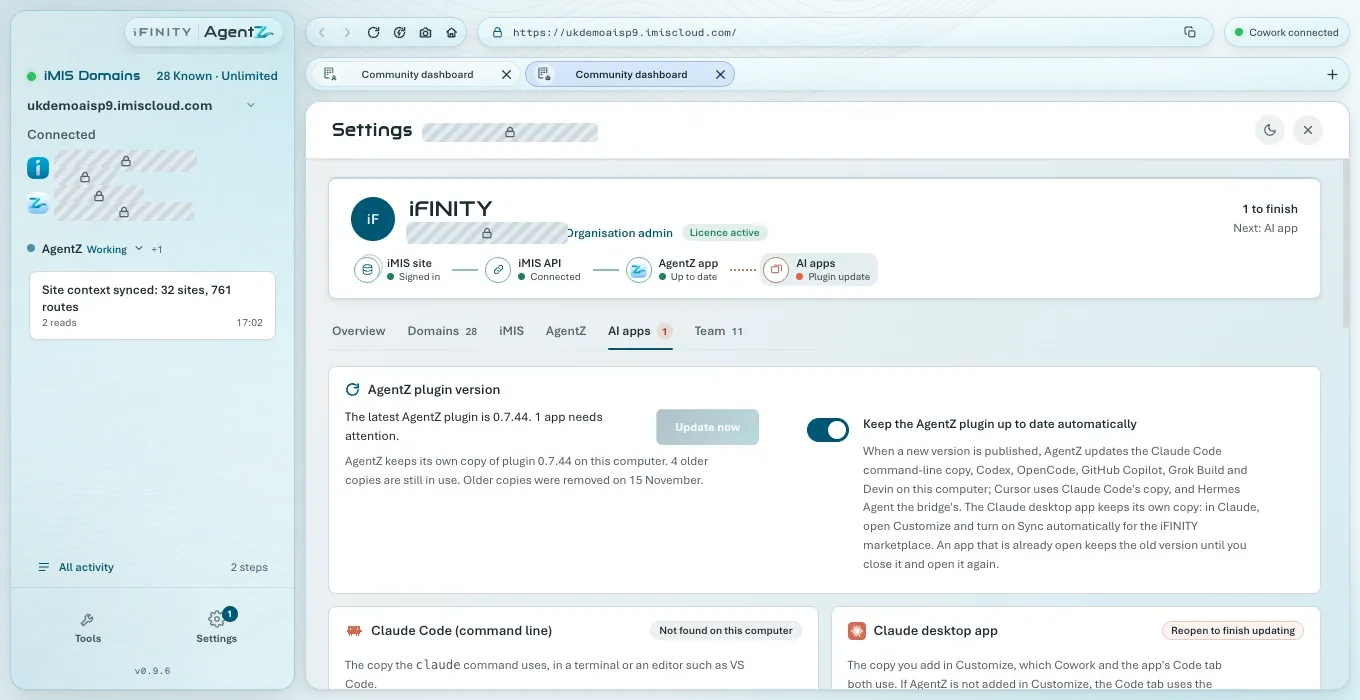
- The first line reads “Checking the latest AgentZ plugin version…” until AgentZ knows the newest plugin. If an AgentZ update stopped AgentZ in your AI apps, or an older plugin from an AI app AgentZ cannot name was turned away, it says so first. Otherwise it gives the newest AgentZ plugin, then one of:
- how many apps need attention, for example “1 app needs attention.”;
- that the version in an app is not known yet, for example “The version in Codex is not known yet.”;
- “Checking the AI apps on this computer…” while AgentZ is still looking;
- that AgentZ is not set up in an app yet, for example “AgentZ is not set up in Cursor yet.”;
- “No AI app with AgentZ found on this computer yet.”;
- “Every app here is up to date.”
- Update now updates every copy AgentZ can update itself, now. It is greyed out when there is nothing to update.
- The line below says how many copies of the plugin AgentZ keeps on this computer, how many older copies are still in use, and when older copies were last removed.
- Keep the AgentZ plugin up to date automatically: on by default. When a new version is published, AgentZ updates the Claude Code command-line copy, Codex, OpenCode, GitHub Copilot, Grok Build and Devin itself. Cursor uses Claude Code’s copy, and Hermes Agent the bridge’s. The Claude desktop app keeps its own copy, which Claude updates when Sync automatically is on for the iFINITY marketplace (in Claude’s Plugins, Add > Manage marketplaces, then the marketplace’s … menu).
The AI app cards
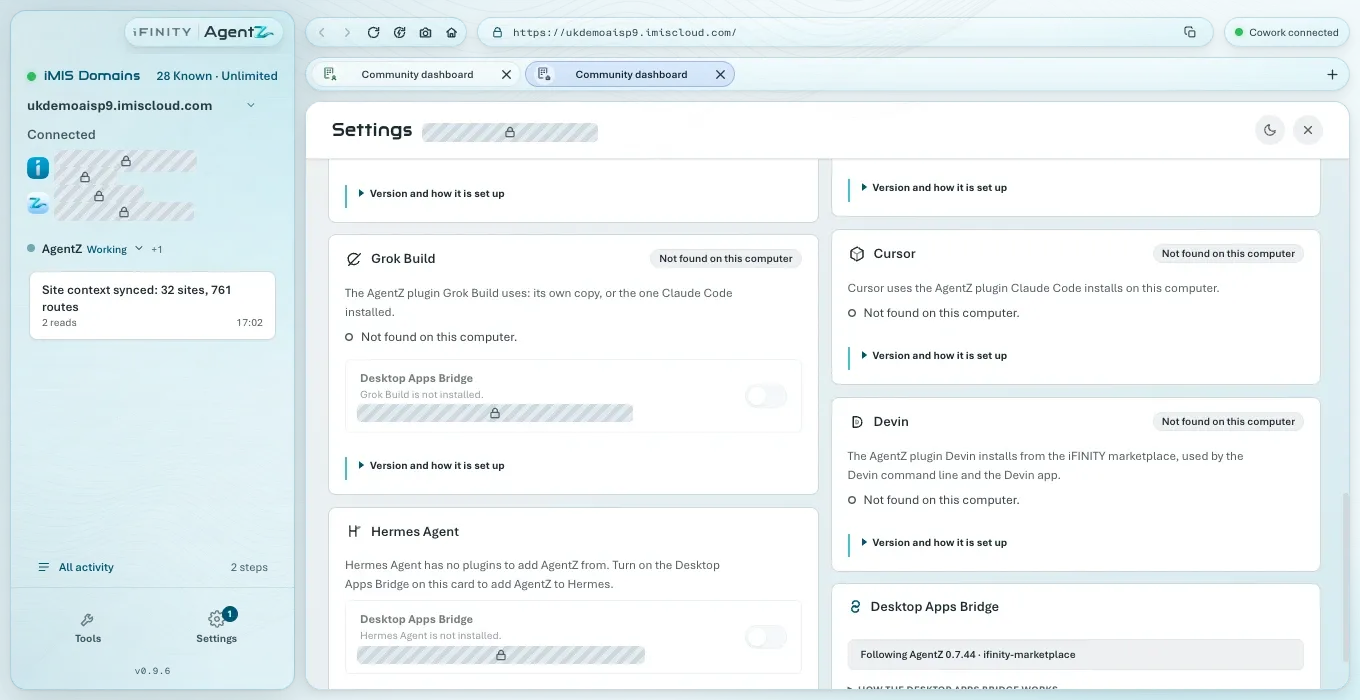
Section titled “The AI app cards”Each card has the app’s name, a badge with its state, a line on which copy of the plugin it uses, a line on the state in words, and a line such as Version and how it is set up, which opens the card’s details.
The badges
Section titled “The badges”| Badge | What it means | What to do |
|---|---|---|
| Up to date | AgentZ is in this app, at the newest version | Nothing |
| Update available | This app has an older AgentZ plugin | Choose Update now, or follow the card’s steps for this app |
| Update to connect | This app’s AgentZ plugin is too old to connect to this AgentZ app | Update the plugin in that app, as the card says, then reopen the app |
| Reopen to finish updating | The new version is installed, but the app is still running the old one | Reopen the app as the card says |
| Not set up | The app is on this computer, but AgentZ is not in it | Follow the card’s steps, or choose Update now where AgentZ adds itself |
| Not found on this computer | The app is not installed here | Nothing, unless you want to use it |
| Turn on the bridge | The app needs the Desktop Apps Bridge to start AgentZ | Turn on Desktop Apps Bridge on the card |
| Old copy found | The newest version is installed, but the app also holds an older copy of AgentZ and can start that one instead | Remove the older copy, as the card says. In the Claude desktop app: choose Plugins in the sidebar, then under Your plugins choose Show all, and choose Remove in that copy’s … menu. If you do not see it there, it belongs to another Claude account or organisation on this computer. Then reopen the app |
| Version not known yet | AgentZ is in the app, but it cannot yet compare that copy with the newest version: either the app’s version could not be read, or the newest version could not be checked just now | Wait a moment. The card’s line says which |
| Checking… | AgentZ is still looking | Wait a moment |
What each card covers
Section titled “What each card covers”| Card | Which copy | Notes |
|---|---|---|
| Claude Code (command line) | The copy the claude command uses, in a terminal or an editor such as VS Code |
Install Plugin adds it. Under Version, paths and reinstall: Open CLI and Reinstall |
| Claude desktop app | The copy you add in Claude’s Plugins, which Cowork and the app’s Code tab both use | Its details hold the marketplace steps, Open Claude, Download ZIP and Copy Marketplace Path. On Windows, while Claude’s copy is behind, it also shows Let Claude update AgentZ: see Plugin update troubleshooting |
| Codex | The copy Codex uses, in a terminal and in the ChatGPT app | Needs the plugin and the Desktop Apps Bridge |
| OpenCode | The plugin OpenCode installs from the iFINITY marketplace, in its terminal app and its desktop app | AgentZ adds and updates it with OpenCode’s own command. OpenCode installs it from Git, so Git must be on this computer |
| GitHub Copilot | The plugin Copilot installs from the iFINITY marketplace, in a terminal, in VS Code and in the Copilot app | AgentZ adds and updates it with Copilot’s own commands. Copilot starts AgentZ when you are signed in to Copilot |
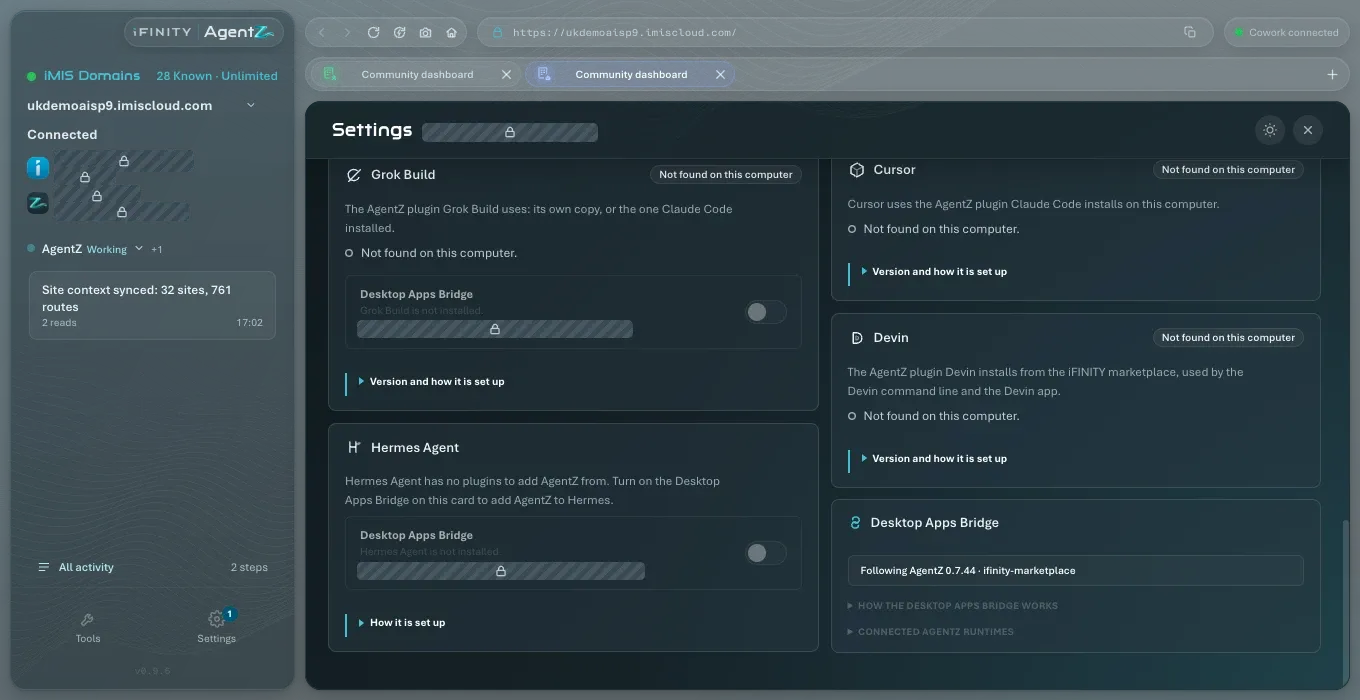
| Cursor | The plugin Claude Code installs on this computer | Install AgentZ in Claude Code to give Cursor AgentZ |
| Grok Build | Its own copy, or the one Claude Code installed | On Windows, Grok Build needs the Desktop Apps Bridge to start AgentZ |
| Devin | The plugin Devin installs from the iFINITY marketplace, for the Devin command line and the Devin app | Devin’s plugins need you signed in to Devin |
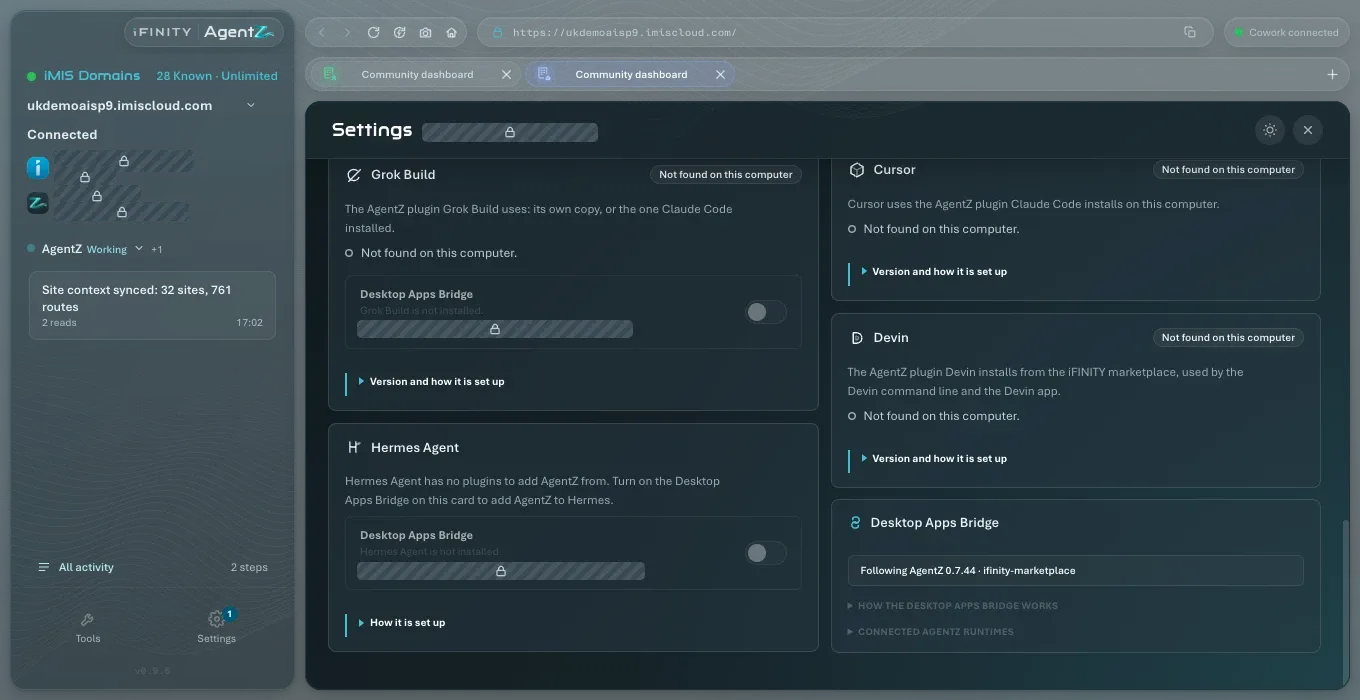
| Hermes Agent | None: Hermes Agent has no plugins | Turn on the Desktop Apps Bridge on its card to add AgentZ |
The exact commands for each app are inside its card’s details.
The Desktop Apps Bridge
Section titled “The Desktop Apps Bridge”The normal connection between an AI app and AgentZ is the AgentZ plugin installed in it. The Desktop Apps Bridge adds AgentZ to the AI app’s own settings as well, for the apps that need it:
- Codex, which does not start AgentZ from its plugin;
- Hermes Agent, which has no plugins;
- Grok Build on Windows;
- Claude’s Chat, to use AgentZ there and see its result views;
- an OpenCode without the AgentZ plugin.
Claude Code needs it only when its AgentZ plugin is not installed. When the plugin is installed and switched on in Claude Code, AgentZ removes its bridge entry from Claude Code’s settings, leaving the rest of the file as it was, so each Claude Code session starts AgentZ once, and the card says Not needed: Claude Code starts AgentZ from its AgentZ plugin. If the plugin is later removed or switched off and the bridge was on for Claude Code, AgentZ adds the entry again.
Each card that can use it has a Desktop Apps Bridge switch, with the app’s settings file under it. Turning it off asks you to confirm, and AgentZ keeps a copy of the app’s settings file before changing it. If the app’s settings already hold an AgentZ entry that AgentZ did not add, the row offers Take over, to replace it, or Remove entry.
A bridged app follows the newest AgentZ plugin installed on this computer. The last card, Desktop Apps Bridge, says which version that is, and How the Desktop Apps Bridge works explains it.
Do I need the Desktop Apps Bridge? Only for Codex, Hermes Agent, Grok Build on Windows, Claude’s Chat, or an OpenCode without the plugin. Every other app uses the plugin alone.
Why does Claude Code say Not found on this computer when I use the Code tab in the Claude desktop app? The Claude Code (command line) card is for the claude command. The Code tab uses the Claude desktop app’s copy, shown on the Claude desktop app card.
Does Update now update the Claude desktop app? No. Claude updates its own copy. In Claude, choose Plugins in the sidebar. Under Your plugins, choose Show all, then Agentz, then Update. If Update is greyed out and shows "On latest version", Claude already has the new version. Then reopen Claude as described under Reopen to finish updating.
If an app does not connect, see AI app connection troubleshooting and Plugin update troubleshooting.