

Choosing your main website
Your iMIS site usually holds several websites built with RiSE, such as a member site and an events site. Your main website is the one AgentZ treats as your main public website: the Website tab in the iMIS browser opens it as a visitor sees it, and agents start from it when they work on your public pages.
Before you begin
Section titled “Before you begin”- The iMIS API connected for this iMIS site. AgentZ reads the list of your websites through it; until then the list says “Your websites appear here once AgentZ is connected to the iMIS API.” See Setting up the iMIS API connection.
- At least one public website. Staff sites cannot be the main website. If your iMIS site has none, the list says “This iMIS site has no public website, so there is nothing to choose here.”
Choosing your main website
Section titled “Choosing your main website”Do the following to choose your main website:
-
Click Settings in the sidebar, then the iMIS tab.
-
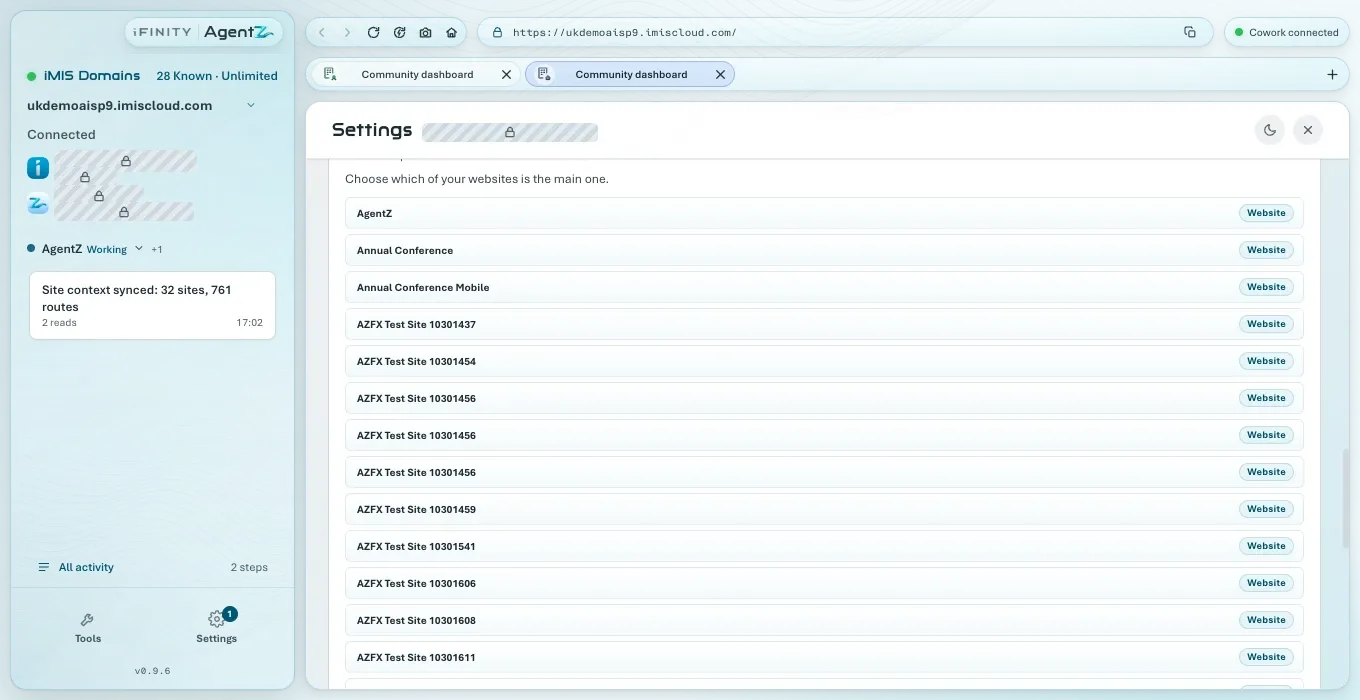
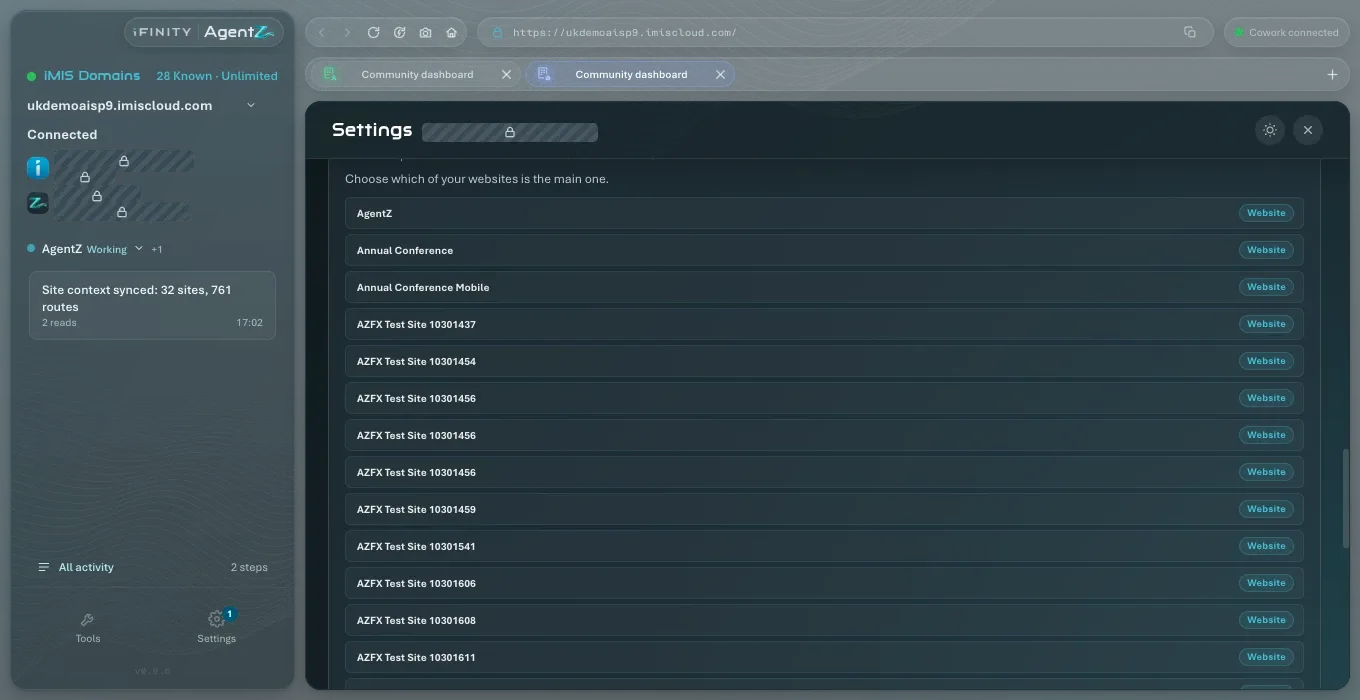
Scroll down to the list of websites.
Above the list, the line says Main website: and its name, or “Choose which of your websites is the main one.” when none is chosen. Each row is one website, labelled Website, with the part of the site it starts from where it has one.
-
Click the website you want as your main website.
The row shows Main website, and the line above the list reads Main website: with its name. Settings stays open, and the choice is saved at once.
If AgentZ cannot save the choice, the line says “AgentZ could not save the main website. Try choosing it again.” and the earlier choice stays.
Where the main website is used
Section titled “Where the main website is used”-
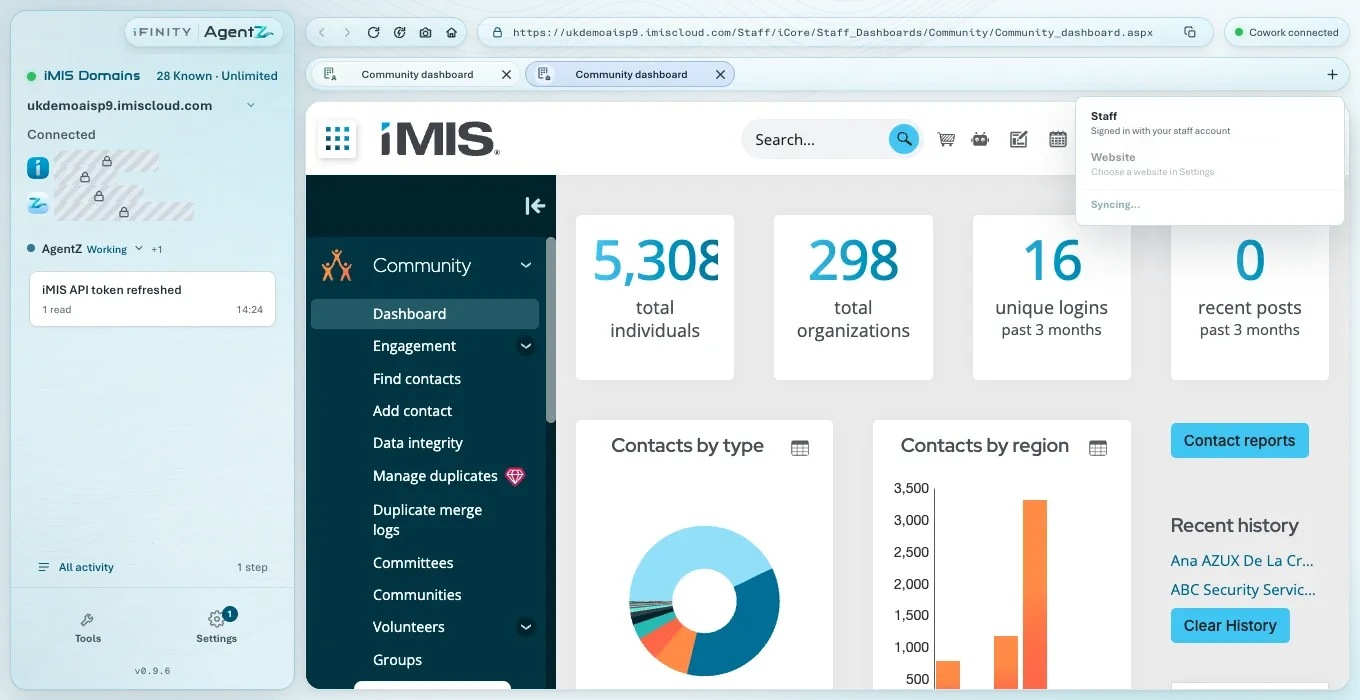
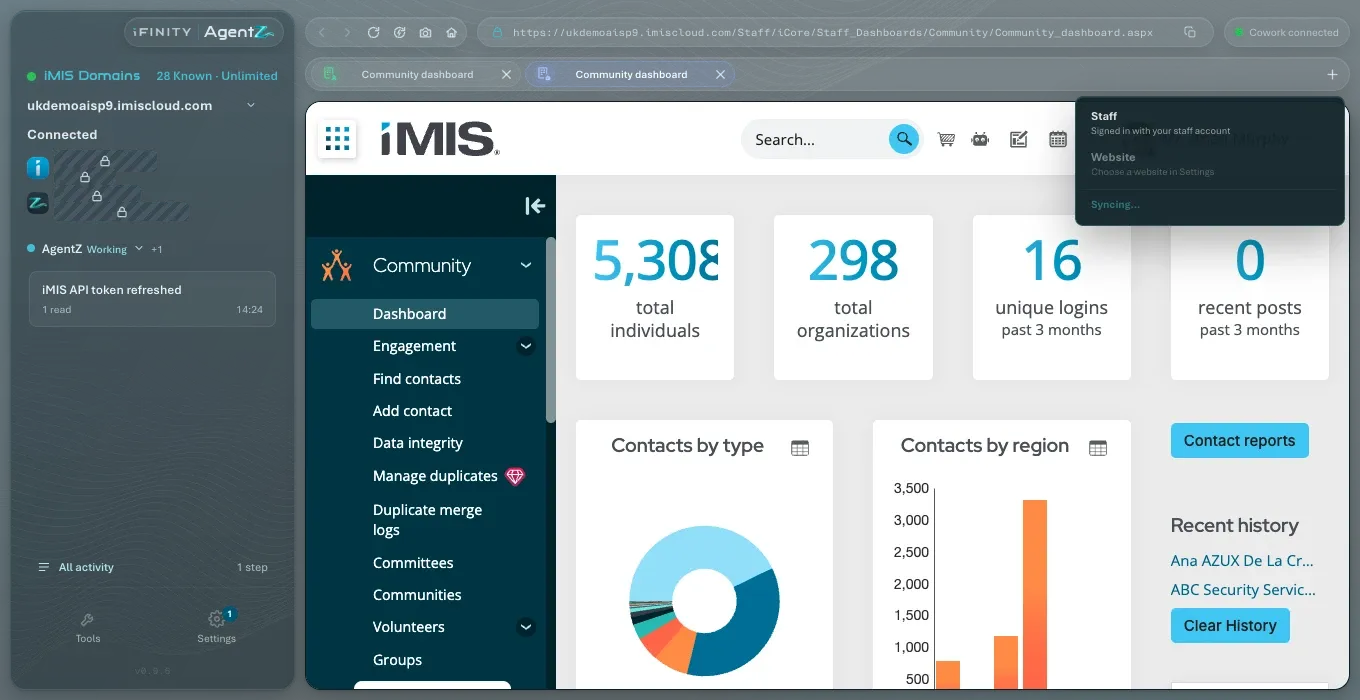
In the iMIS browser: click + at the end of the tabs, then Website. It opens your main website as a visitor sees it. Until you choose one, the menu says Choose a website in Settings.
-
By agents: when you ask an agent about your public website without naming one, it uses your main website.
Keeping the list up to date
Section titled “Keeping the list up to date”If you add a website in iMIS, click Sync Sites at the end of the list, or Sync sites in the iMIS browser’s new-tab menu, so AgentZ reads the list again. The button reads Syncing… while it does.
Does choosing a main website change anything in iMIS? No. It only tells AgentZ which website to use. It is saved in AgentZ for this iMIS site.
Can a staff site be the main website? No. Only public websites are listed.
Does each iMIS site have its own main website? Yes. Choose one for each iMIS site you use.